
Deploying a new Debian or Ubuntu server involves more than just installing Linux. Before hosting production applications, businesses need to plan the server architecture, configure services, and secure access. They also need to ensure the server can evolve without disrupting other components of their IT infrastructure.
A Debian or Ubuntu system administrator is involved from the planning stage, handling Linux server setup, operating system installation, network configuration, and application service preparation. They can also provide ongoing Debian server maintenance or take over the management of an existing infrastructure.
For businesses, the goal is to have a technical environment that meets their operational needs, is properly documented, and remains manageable over time.


Looking for a Debian or Ubuntu system administrator ?
Sowneo helps businesses deploy, configure, and maintain their Linux servers.
How to set up a Debian server that meets your business needs
Before installing the operating system, the system administrator identifies the applications to be hosted and the server's operational requirements. This ensures that Debian or Ubuntu server deployment is tailored to specific business needs rather than based on a generic, one-size-fits-all configuration.

Sizing server resources and selecting the right architecture
A web application server may have very different requirements from a database server. The system administrator evaluates the server's expected CPU, memory, storage, and network demands. They also consider future data growth, backup requirements, and service availability requirements.
Depending on the project, the system can run on a dedicated physical server or a Linux virtual machine. This choice affects service isolation and the infrastructure's ability to scale.
Storage capacity and performance must also match the volume of data and the frequency of write operations. Properly sizing server resources helps prevent resource bottlenecks when running business applications.
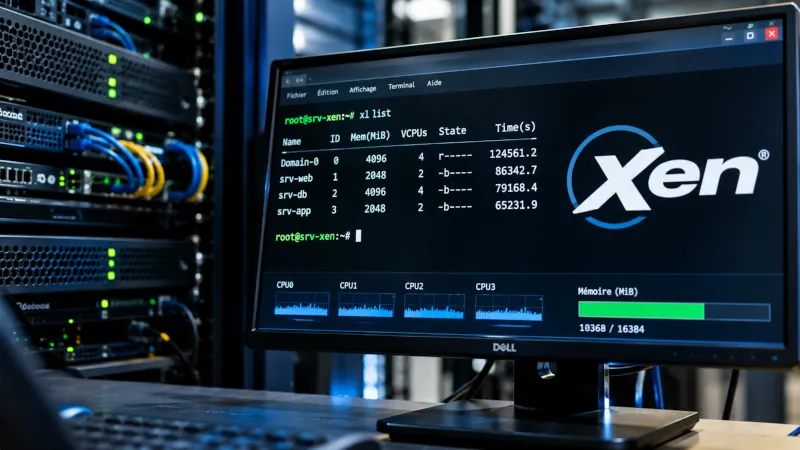
Installing Debian on a physical server or virtual machine
Installing Debian or Ubuntu begins with selecting a supported release that's compatible with the required software. The system administrator then configures disk partitions, the file system, and network settings, installing only the components needed for the server's intended purpose. Before proceeding, they also check hardware and network interface compatibility. These steps help minimize potential issues when bringing the Debian server into production.
For virtualized environments, Sowneo has expertise in Xen, an open-source hypervisor that allows multiple isolated Linux instances to run on the same physical hardware. However, the decision to use server virtualization depends on the project's technical requirements.
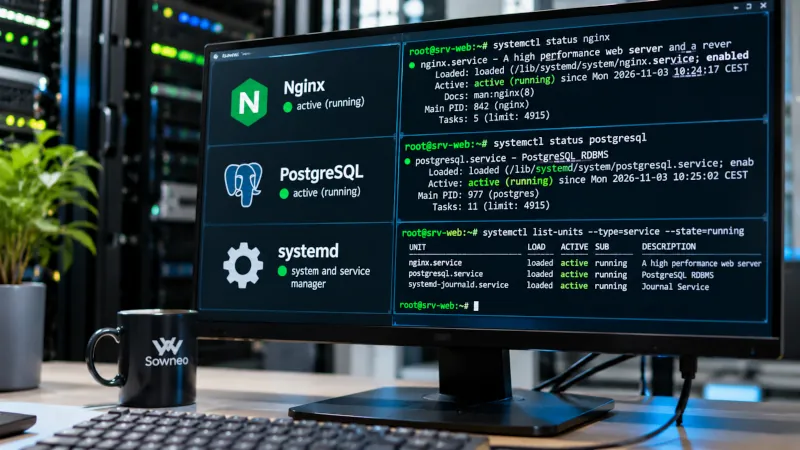
Configuring application services and their dependencies
Once Debian is installed, the system administrator sets up the required services, including web servers, databases, email services, and business applications. For example, an application environment might use Nginx, PostgreSQL, and several services managed by systemd.
Each component needs to be configured to meet the application's requirements, including listening ports, permissions, service startup, and communication between applications. The system administrator checks service dependencies before moving the environment into production. They also verify DNS resolution and TLS certificates where applicable. These checks help catch configuration issues before the services go live.
Learn more about the available installation options on Sowneo's server applications page.
Securing a Debian server before it goes live
A new server must have appropriate security measures in place before users or applications can access it. That's why Debian server hardening should be part of the initial setup, not something left until after the server goes live.
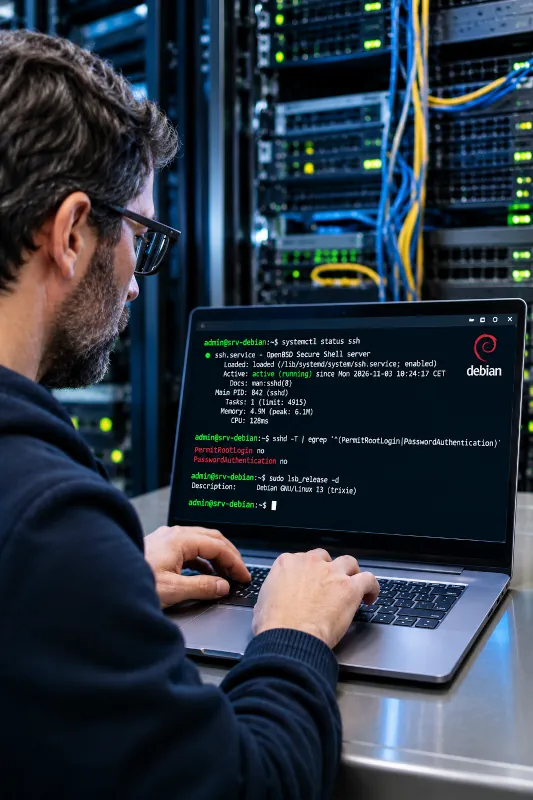
Securing SSH access and administrator accounts
The system administrator determines which accounts are authorized to access the server, assigns sudo privileges, and configures authentication methods. Depending on operational requirements, they may use SSH keys and disable unnecessary login methods.
They also separate administrator accounts from the credentials used by applications. This helps limit excessive privileges and makes administrative activity easier to audit. Similarly, a process for revoking access helps ensure permissions are removed when employees leave the organization. Service accounts require particular attention to avoid disrupting automated tasks and processes.
Configuring the Debian server firewall and managing security updates with APT
Network filtering rules should allow only the traffic required for the server's services to function. A Linux firewall helps reduce exposure by restricting access to administrative interfaces and application ports.
The system administrator also checks APT repositories and ensures that Debian security updates are available. However, package updates and system restarts must be scheduled with the requirements of the hosted applications in mind.
Planning backups and testing recovery procedures
Setting up a server also involves protecting its data and configuration files. Depending on the organization's needs, a backup policy defines what should be backed up, how frequently backups should run, and how long the backups should be retained.
However, simply having backup files doesn't guarantee that the data can be recovered. Restore testing helps verify that data can be successfully recovered and, where applicable, that application databases remain consistent. This allows businesses to establish realistic recovery objectives in the event of an incident.
Acceptable downtime and maximum tolerable data loss should guide the backup strategy. These requirements directly influence how recovery procedures are planned and carried out.
Bringing Debian servers into production and managing ongoing maintenance
Installing a server is only part of getting it ready for production. Before it goes live, the system administrator checks that the hosted applications are working properly and establishes procedures for ongoing Debian server maintenance.
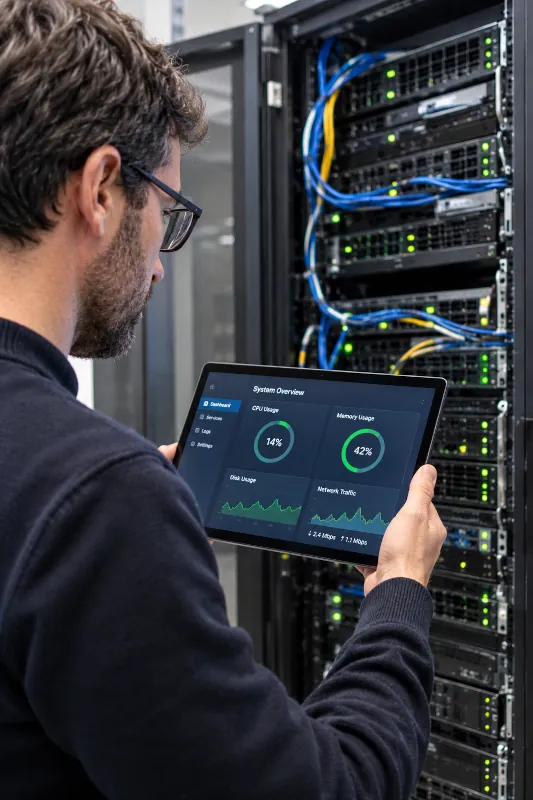
Testing applications before going live
These checks typically cover service availability, database connectivity, and network access. Testing should also verify the features that employees and customers rely on in their day-to-day activities.
The system administrator documents service startup procedures, essential configuration settings, and key operational checks. This operations documentation makes troubleshooting and future maintenance easier when changes occur. Before the server goes live, final checks should also confirm that access permissions are configured correctly and critical business functions work as expected.
Keeping Debian, its packages, and services up to date
Debian server administration involves managing updates, reviewing system logs using journalctl, and monitoring systemd services. The system administrator also keeps track of available disk space and the resources used by hosted applications.
As of October 2026, Debian 13 “Trixie” is the current stable release. Debian 12 “Bookworm” continues to receive Long Term Support (LTS) through June 30, 2028, although coverage varies by package and architecture.
These support timelines help inform Debian upgrade planning, but administrators must also consider application compatibility and production requirements. An ongoing maintenance plan should define how frequently updates and other maintenance tasks are performed, along with the checks required after a server restart.
Taking over and modernizing existing Debian servers
Sowneo also works with businesses that already have Debian servers in production. In these cases, the focus shifts from setting up a new environment to understanding the existing configuration before making changes to server operations.

Auditing an existing Debian infrastructure before taking over
A Debian server audit covers operating system versions, installed packages, running services, and dependencies between applications. It also reviews SSH access, administrative privileges, network settings, and backup procedures.
Incomplete technical documentation can also leave essential scheduled tasks or scripts unaccounted for. The system administrator identifies these components before modifying access permissions or system configurations.
Addressing risks and planning future upgrades
Following the audit, the system administrator prioritizes the necessary work, including security patches, service configuration updates, improvements to backup reliability, and migration planning. This phased approach helps avoid introducing multiple changes at once, which can make troubleshooting more difficult.
When changes require upgrading to a newer Debian release, the system administrator evaluates application dependencies and plans the necessary post-upgrade checks. A rollback plan should also be considered where technically feasible.
Debian server setup and administration: Sowneo’s expertise

Sowneo helps businesses design Linux infrastructures and deploy the services needed to run their business applications. Its expertise includes Xen-based virtual machines, server software, and Linux system administration.
Every project starts with an assessment of the company's needs and technical requirements. Whether deploying new Debian servers or taking over existing environments, Sowneo works with both Debian and Ubuntu systems.
Learn more about Sowneo's approach to managed IT services.
Planning a Debian server deployment or looking to upgrade an existing environment?
Contact Sowneo to discuss solutions tailored to your infrastructure.
Client Testimonials
Clients particularly appreciate :
- Over 20 years of hands-on Debian experience, including networking, routing, and firewall configuration. This expertise extends to Xen-based virtualized environments running multiple virtual machines, using standard Linux tools such as ip, iptables, and nftables.
- Extensive knowledge of the Debian ecosystem in server environments.
- Strong expertise in using Debian as both a graphical workstation and a desktop operating system, including laptops with built-in 4G/5G cellular connectivity for working on the go without having to tether to a smartphone.